
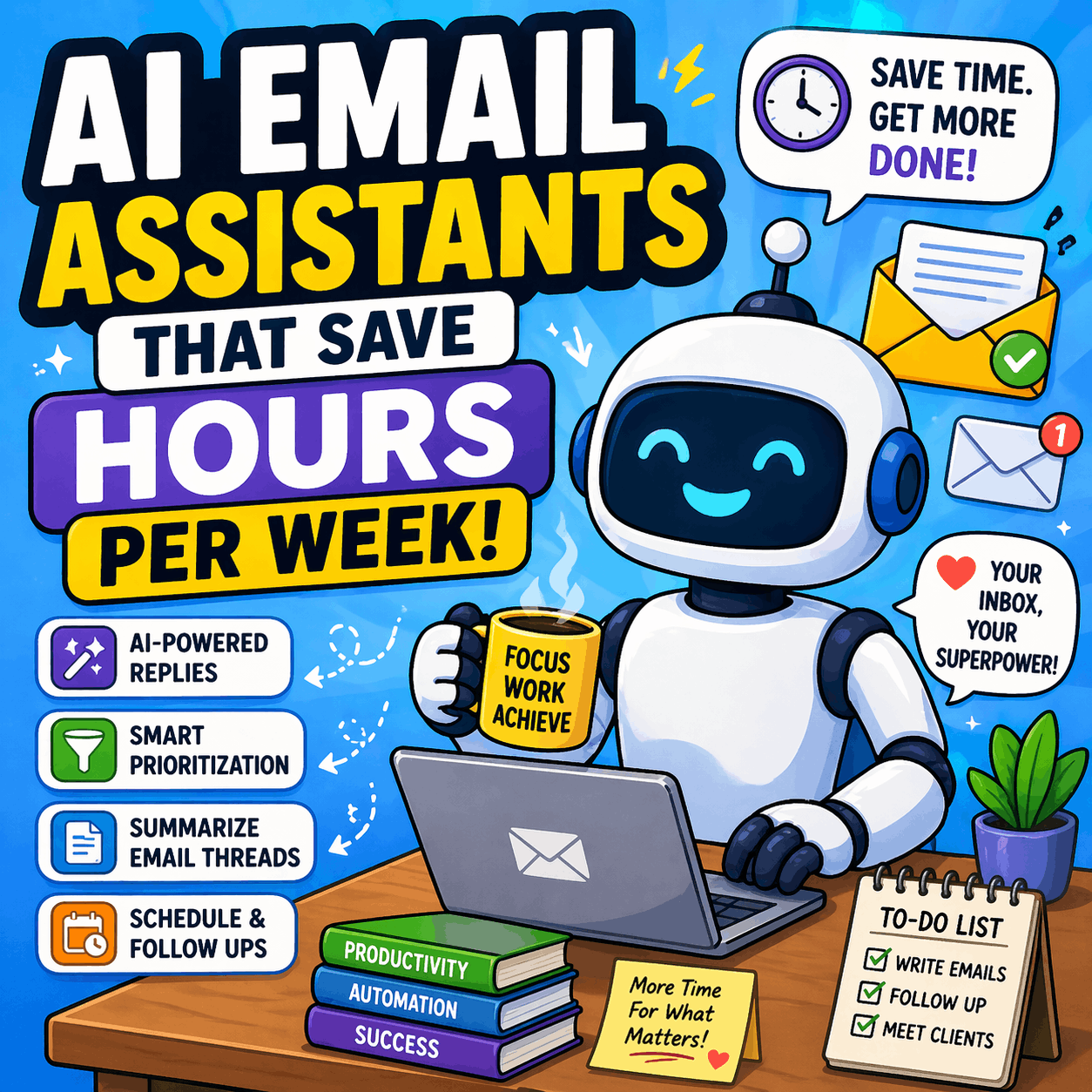
AI Email Assistants That Save Hours Per Week – 9 Tools Tested in 2026
Email hasn’t gotten quieter. The average professional still spends 4.1 hours a day managing email — more than half a workweek lost to reading, sorting, drafting, and deleting.
In 2026, the best AI email tools aren’t just faster writers. They’re inbox operators that triage, summarize, search by meaning, and connect to the rest of your work. This guide builds on hands-on tests from Jotform, Autonomous, and Gmelius, plus Google’s Workspace updates announced at Cloud Next 2026.
For more productivity breakdowns like this, visit BestTechTips.
What Actually Saves Time (It’s Not Just Drafting)
Most marketing focuses on “write replies in one click.” The real drain is everything around writing:
- Triaging 80 unread messages after a two-hour meeting
- Extracting the one action item buried in a 14-reply thread
- Remembering to follow up on something you sent five days ago
Tools that handle triage, summarization, and follow-up automation address the part most people actually lose hours to — separate from dedicated AI writing tools.
How they work in 2026:
- Generative LLMs draft replies and match your tone
- Semantic search lets you ask “find the proposal we discussed last March” and get results without exact keywords
- Sentiment analysis flags messages as urgent, angry, or inquisitive so VIP complaints surface first
- RAG (Retrieval-Augmented Generation) safely reads your historical emails to answer with your company’s context, reducing hallucinations
The 3 Types of AI Email Assistants in 2026
Pick by architecture, not feature count.
1. The Wrapper (stays in Gmail/Outlook)
Adds AI buttons directly into your existing inbox. No migration, no new UI to learn. Ideal if you can’t change workflows.
- Examples: Gmelius, Mailbutler, Fyxer, Jotform Gmail Agents
2. The Client (replaces your inbox)
A standalone app that pulls email via API. Faster rendering, custom shortcuts, but requires habit change.
- Examples: Superhuman, Shortwave
3. The Drafter (writes only)
Browser extension that generates text. It doesn’t organize, filter, or learn your inbox.
- Examples: MailMaestro, Writemail.ai
For Speed-Obsessed Professionals (100+ Emails/Day)
Superhuman AI — Keyboard-First Inbox
What it does: Replaces Gmail/Outlook with a minimal, shortcut-driven client built for velocity.
Key AI features:
- Split Inbox auto-routes into “important,” “calendar,” and “other”
- One-key commands: R to reply, E to archive
- Ask AI indexes a year of email, answers natural questions, and cites sources
Best use case: Founders and executives processing 100+ emails daily who want inbox speed over depth.
Pros: Materially faster workday once shortcuts are muscle memory; strong team collaboration.
Cons: $25–$30/month with no free tier; first week involves frequent shortcut lookup; drafts are accurate but neutral, often needing edits.
Shortwave — AI-Native Search and Summaries
What it does: Rebuilds Gmail with AI at the core.
Key AI features:
- Natural language search by concept, not keywords
- AI-generated to-do list from inbox and daily planning assistant
- Thread summaries that pull the key decision, not just a recap
Best use case: Gmail-only users buried in long threads.
Pros: Best-in-class search; clean interface.
Cons: Gmail only; free plan caps AI history at 90 days; Personal plan $7/month.
For Google and Microsoft Users Who Won’t Switch Apps
Gemini for Gmail — Workspace Intelligence in 2026
What it does: Native AI layer inside Google Workspace.
Key AI features:
- “Help me write” drafts and thread summarization
- NEW: AI Overviews answer questions without opening emails by sifting your entire cache
- Workspace Intelligence interprets relationships between files, projects, and collaborators across Docs, Slides, and Gmail
- Cross-app context: pulls from Drive and Calendar when drafting
Best use case: Teams already on Google Workspace Business Standard ($14+/user/month).
Pros: No new tool to learn; deep context no third-party can match.
Cons: Assists when prompted; does not proactively triage or auto-categorize.
Microsoft Copilot for Outlook
What it does: Native AI across Microsoft 365.
Key AI features: Drafts informed by OneDrive, Teams, and Calendar; summarizes long chains.
Best use case: Organizations standardized on Outlook.
Pros: Reduces tab-switching for complex replies.
Cons: $30/user/month add-on; no automatic triage or behavioral learning; tone leans formal.
For Background Cleaning (Keep Your Current Inbox)
SaneBox — The Learning Filter
What it does: Nothing flashy. It just sorts.
Key AI features: Learns your behavior and auto-sorts into SaneLater, SaneNews, SaneBlackHole, and SaneNoReplies for unanswered sent mail.
Best use case: Professionals who want less noise without changing apps.
Pros: Works with Gmail, Outlook, iCloud; daily digest; starts at $3.49/month.
Cons: No drafting or summarization; needs initial training.
Fyxer AI — Hands-Off Management
What it does: Manages the inbox for you.
Key AI features: After one-click setup, auto-labels, filters noise, and pre-drafts replies in your voice by studying writing patterns.
Best use case: Executives who want to review, not process.
Pros: Real hands-off time savings; meeting follow-ups auto-drafted.
Cons: From $19/month; cloud processing only, no on-device option.
For Teams and Customer Inquiries
Gmelius — Shared Inbox with Meli AI
What it does: Turns Gmail into a helpdesk.
Key AI features: Meli AI drafts replies, summarizes threads, and suggests next steps inside shared inboxes like support@.
Best use case: Teams needing CRM features without leaving Gmail.
Pros: Starts at $19/user/month; strong collaboration.
Cons: Best value if you’re already Gmail-centric.
Jotform Gmail Agents — Customer Inquiry Specialist
What it does: AI agent for repetitive customer email.
Key AI features: Learns from email history, prioritizes important inquiries, drafts on-brand responses but never auto-sends.
Best use case: Support, sales, IT help desks.
Pros: Syncs tone across phone, chat, and email agents.
Cons: Gmail only for now; paid plans from $34/month.
For Privacy-First Workflows
Canary Mail — On-Device AI
What it does: Standalone client with local processing.
Key AI features: Drafts, summaries, and search run on-device by default, so email content doesn’t leave your machine.
Best use case: Privacy-conscious professionals juggling multiple accounts.
Pros: Unified Gmail/Outlook/iCloud view; Pro+ $100/year.
Cons: Smaller on-device model means less nuance on complex threads.
Proton Scribe — For Regulated Industries
What it does: Writing assistant built into Proton Mail.
Key AI features: Runs entirely on-device for draft generation and tone adjustment.
Best use case: Legal, finance, healthcare on Proton.
Pros: Included with Mail Essentials $3.99/month.
Cons: Writing only — no triage, summarization, or search.
For Automation Builders
Lindy — Workflow Agent Builder
What it does: Automates tasks across tools, not just email.
Key AI features: Build agents that auto-label via Slack, mark emails read from Notion, or send daily email summaries to Slack.
Best use case: Mid-level professionals comfortable with no-code setup.
Pros: Works with hundreds of tools; choose your LLM.
Cons: Steeper learning curve; Pro from $49.99/month.
2026 Trends Changing Email Productivity
- Answer without opening: Gmail’s AI Overviews now give instant summaries pulled from multiple emails, enabled by default for Workspace Business and Enterprise.
- Cross-app agents: Google’s Workspace Intelligence and new MCP servers let external AI agents securely work across Drive, Gmail, and Calendar.
- Style mimicry matters: The best tools now avoid the “AI voice” with customizable personalities that learn your tone and banned phrases.
- On-device is real: Canary and Proton prove privacy-first AI can work without cloud processing.
If you’re automating creative tasks too, see our breakdown of the top AI video editing tools for beginners.
How Much Time Can You Really Save? ROI Data
- Organizations deploying specialized AI agents report positive ROI within the first year; higher-ed saw a 30% reduction in inquiry volume by automating responses.
- Adoption is mainstream: 45% of U.S. employees now use AI at work, but companies miss up to 40% of productivity gains without proper training.
- Real tests show 30-second drafts and 10-minute meeting summaries replacing manual work.
Choosing the Right Assistant by Workflow
- Need speed, not features? Superhuman or Shortwave — keyboard navigation and split inboxes remove friction.
- Live in one ecosystem? Gemini or Copilot — native context from Drive/OneDrive beats any plugin.
- Inbox is the problem, not writing? SaneBox or Fyxer — automated filtering solves volume.
- Manage email as a team? Gmelius or Jotform — shared inboxes prevent collisions.
- Privacy is non-negotiable? Canary or Proton Scribe — verify zero-retention policies.
Limitations and Risks to Watch in 2026
- Data privacy: Cloud tools process email externally by default. Check SOC 2 Type II and whether the vendor trains on your data.
- Generic tone: Gemini and Copilot outputs default to safe corporate language and often need editing for client relationships.
- Platform lock-in: Shortwave, Notion Mail, and Jotform currently work only with Gmail.
- Tool sprawl: Buying a standalone writer that doesn’t connect to your CRM creates silos instead of saving time.
Final Take
AI email assistants that save hours per week don’t all solve the same problem. If you’re drowning in volume, start with triage-first tools like SaneBox or Shortwave. If you’re living in Docs and Sheets, stay native with Gemini. If support@ is chaos, test Gmelius.
The biggest win in 2026 isn’t writing faster — it’s having an assistant that decides what you never need to open at all.