Top AI Video Editing Tools for Beginners (2026)
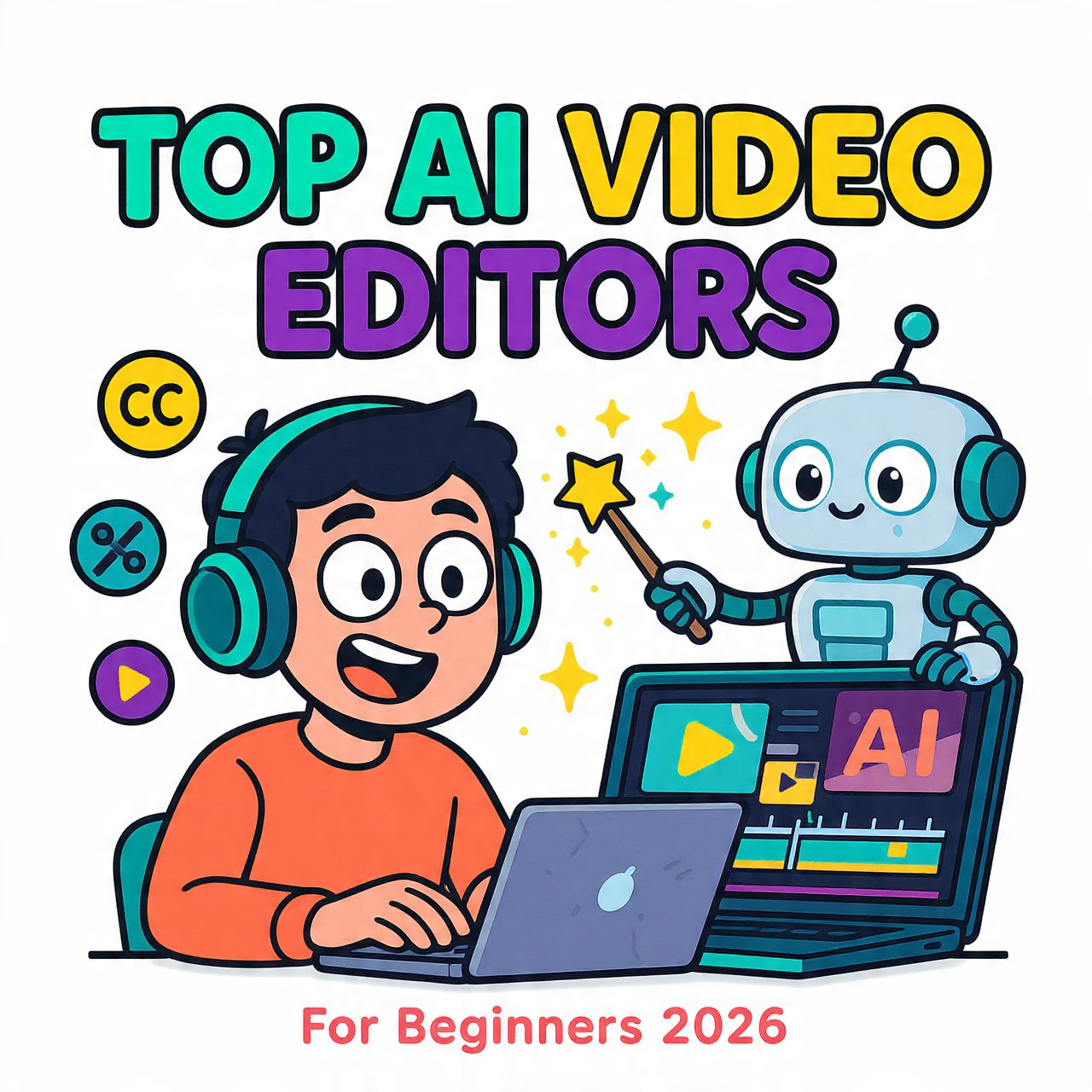
If you’ve opened Premiere Pro, stared at the timeline, and closed it again, you’re not alone. Beginners in 2026 don’t need to learn keyframes to post daily. AI video editors now handle the boring parts: cutting silences, adding captions, removing backgrounds, and even turning a script into a finished clip.
This shift isn’t hype. The AI video editing market is projected to reach $4.4 billion by 2033, growing at 17.2% CAGR, and 70% of editors now say AI features substantially improve workflow, cutting editing time by up to 50%. You get professional results without the learning curve.
What Is AI Video Editing?
Forget one-size-fits-all “AI tools.” In 2026 they fall into three clear buckets, and picking the wrong bucket wastes weeks:
- AI Editors – you provide footage, AI speeds up cuts, captions, noise removal
- Generative AI – you provide text or image, AI creates new video from scratch
- Automation – you provide a template, AI makes hundreds of versions
Most beginner creators only need category 1.
Why Beginners Should Use AI Tools Now
- Edit like a doc, not a timeline. Tools like Descript let you delete words in a transcript and the video cuts itself.
- Auto-captions in one click. Essential for Reels and TikTok where 85% watch muted.
- Fix mistakes without reshooting. AI voice cloning and filler-word removal save hours.
- Real time saved. Platforms like OpusClip, VEED, and Descript are saving creators up to 80% of editing time by automating tedious tasks.
The 8 Best AI Video Editors for Beginners (Tested 2026)
1. CapCut – Best Free All-Rounder for Social
Overview: Made by TikTok’s parent company, CapCut is the default for short-form creators because it works identically on phone and desktop.
Key AI features: Auto-captions with animated styles, background removal without green screen, AI avatars, text-to-speech, and auto-reframe for 9:16/1:1/16:9. In April 2026, CapCut also integrated Dreamina Seedance 2.0 for free AI generation.
Best for: TikTok, Instagram Reels, YouTube Shorts creators who need speed.
Pricing: Free with 1080p export. Pro unlocks 4K and advanced AI for $7.99/month billed annually.
Pros: Truly beginner-friendly drag-and-drop; massive trending template library; cloud sync across devices.
Cons: Some pro effects require paid plan; terms grant broad usage rights to uploads.
2. Descript – Best for Talking-Head and Podcasts
Overview: Descript changed editing by treating video like a Word document. You edit the transcript, the video follows.
Key AI features: Overdub AI voice cloning to fix flubs, Studio Sound one-click noise removal, automatic filler-word (“um, uh”) removal, and AI eye contact correction.
Best for: YouTubers, coaches, podcasters, course creators where dialogue matters.
Pricing: Free: 1 transcription hour/month, 720p watermarked. Hobbyist: $16/month for 10 hours and 1080p.
Pros: No timeline skills needed; collaboration with timestamped comments.
Cons: Free plan is tight for testing; less useful for montage-heavy vlogs.
3. VEED.IO – Best Browser Editor, No Download
Overview: VEED is the fastest path from raw clip to polished social post. Open a tab, edit, export.
Key AI features: Best-in-class auto-subtitles with translation into 100+ languages, background removal, noise reduction, and script-to-video.
Best for: Social media managers and solo creators who hate installing software.
Pricing: Free with limits. Pro from $25/month.
Pros: Zero learning curve; brand kits keep fonts/colors consistent.
Cons: Not built for complex multi-track films; needs stable internet.
4. Clipchamp – Best for Windows Beginners
Overview: Microsoft’s built-in editor now has serious AI. It’s web-based but feels native on Windows.
Key AI features: AI silence removal, background noise reduction, text-to-speech, and auto-compose from your media.
Best for: Quick YouTube videos, presentations, repurposing horizontal to vertical.
Pricing: Free includes almost all AI features with FHD export. Premium for 4K and stock media is ₹899/month (about $11).
Pros: Free plan is unusually generous.
Cons: 4K and premium stock locked behind paywall.
5. Kapwing – Best for Teams and Multilingual Content
Overview: A collaborative workspace where AI does the heavy lifting.
Key AI features: AI dubbing into 40+ languages, AI avatars, lip sync, document-to-video, and smart clip maker.
Best for: Brand teams and creators repurposing content globally.
Pricing: Free: unlimited 720p exports up to 4 minutes with watermark. Pro: $16/month annual removes watermark.
Pros: Real-time collaboration; wide language support.
Cons: Browser can lag on large files.
6. InVideo AI – Best for Text-to-Video and Avatars
Overview: Type a prompt, get a video. Ideal if you don’t want to film.
Key AI features: Prompt-to-video, AI talking avatars (even clone yourself from old footage), and AI clip generator for shorts.
Best for: Faceless channels, UGC ads, product explainers.
Pricing: Free: 10 minutes generation, 4 watermarked exports. Paid plans start around $20-$35/month depending on billing.
Pros: Post-generation timeline lets you tweak AI output.
Cons: Avatars can look uncanny on close-ups.
7. Opus Clip – Best for Turning Long Videos into Shorts
Overview: Upload a podcast or webinar, Opus finds viral moments and auto-cuts them.
Key AI features: AI virality scoring, auto-reframe, animated captions, B-roll suggestions.
Best for: Repurposing YouTube videos, interviews, and webinars into 30+ Shorts.
Pricing: Limited free trial. Starter around $9/month.
Pros: Saves the most time for repurposing workflows.
Cons: Less control over exact cut points than manual editors.
8. Pictory – Best for Blog-to-Video
Overview: Paste an article or script, Pictory selects stock footage and builds a video automatically.
Key AI features: Article-to-video conversion, auto-summarization, voiceovers.
Best for: Bloggers, newsletters, and marketers without footage.
Pricing: Starts at $19/month.
Pros: Fastest way to turn text into video.
Cons: Relies on stock library; less original than filmed content.
Comparison: At a Glance
| Tool | Best For Beginners Who… | Free Tier | Starts At |
|---|---|---|---|
| CapCut | Post daily Shorts/Reels | Yes | $7.99/mo |
| Descript | Talk to camera | Yes (1hr) | $16/mo |
| VEED.IO | Want no software | Yes | $25/mo |
| Clipchamp | Use Windows | Yes | ~$11/mo |
| Kapwing | Work with a team | Yes (watermark) | $16/mo |
| InVideo AI | Hate filming | Yes | ~$20/mo |
| Opus Clip | Have long videos | Limited | $9/mo |
| Pictory | Have blogs/scripts | Limited | $19/mo |
How to Choose the Right Tool
- What do you film? Talking head = Descript. Phone vlogs = CapCut. No camera = InVideo or Pictory.
- Where do you edit? Phone only → CapCut. Browser → VEED or Kapwing. Desktop → Clipchamp.
- What’s your budget? $0 budget → start with CapCut + Clipchamp free. Under $10 → Opus Clip.
- Do you repurpose? If you have one long video weekly, Opus Clip pays for itself in an hour.
Pros and Cons for Beginners
Pros
- Skip the timeline completely
- Get captions, clean audio, and reframing in one click
- Publish faster, test more ideas
Cons
- Free plans add watermarks or limit length
- Generative video still needs prompt tweaking
- Cloud tools need good internet and raise privacy questions
Future Trends in AI Video Editing (2026 Outlook)
Video editing is moving from manual cuts to agent workflows where AI handles script, visuals, and edit in one flow. Costs are collapsing too – generative video production costs dropped 91% in 18 months.
Quality leaders are pulling ahead: Google Veo now delivers the most consistently photorealistic text-to-video, while Runway Gen-4 solved the old character-consistency problem for branded content. Expect more free pro features inside beginner apps, like CapCut’s integration of Seedance.
FAQs
What is the best free AI video editor for beginners in 2026?
CapCut. It gives you auto-captions, background removal, and 1080p export free, with no watermark on most exports.
Is Descript good for beginners with no editing experience?
Yes. If you can edit a Google Doc, you can edit video in Descript. It’s built for podcasters and educators first.
Which AI tool automatically removes silences and filler words?
Descript, Clipchamp, and VEED all offer one-click silence removal. Descript also deletes “ums” from the transcript.
Can I make videos without filming myself?
Use InVideo AI or Pictory. Both turn text prompts or blog posts into complete videos with AI voiceovers and stock footage.
What’s the cheapest AI video editor for YouTube Shorts?
Opus Clip at $9/month if you already film long videos. If starting from scratch, CapCut free is best.
Do AI video editors work on mobile?
CapCut is fully mobile-native. VEED, Kapwing, and InVideo work in mobile browsers. Descript needs desktop for full editing.
Will AI replace video editors?
For social content and repurposing, AI already does 80% of the work. For storytelling and brand films, humans still direct the AI.
Conclusion
You don’t need film school in 2026. Start with CapCut for daily posts, add Descript if you speak on camera, and plug in Opus Clip when you want to recycle long content. Test the free tiers for a week – most beginners ship their first AI-edited video in under 30 minutes.
Ready to try? Open CapCut, drop in a clip, tap Auto Captions, and publish. That’s your first AI edit done.